How to use Pangram on Substack is straightforward: open an eligible post or Note in the Substack Reader or iOS app, tap the three dot menu, and choose Scan for AI text. Substack runs Pangram behind that button and returns an estimate of how much of the text looks human written versus AI assisted. The feature launched on July 21, 2026, applies only to text published from that day onward, and shows the analysis only to the person who requested the scan (Substack support; Chris Best announcement).
This guide covers the reader steps on web and iOS, what content qualifies, how creators manage detection and transparency statements, how to read the estimate without over trusting it, and when to leave Substack and use standalone detectors such as Pangram's own site, GPTZero, or Originality.ai. For a full checklist beyond one scan, see how to detect AI writing.
What Substack's Pangram scan actually does
Substack calls the feature Scan for AI text. It does not stamp every post with a public AI badge by default. A reader (or a creator checking a draft) must request a scan. Readers can also turn on an optional Label content setting under Content preferences, which badges posts and Notes by other people when Pangram detects them as 100% AI generated, and also marks items whose author turned AI detection off. Pangram then returns percentage style estimates for human written and AI assisted portions (support article).
CEO Chris Best framed the launch as a transparency tool against "Claudefishing": a mismatch between a reader's expectation of human authorship and AI generated text that pretends otherwise (Against Claudefishing). The same post is clear about limits: Pangram estimates whether AI was used to produce the text; it does not measure editorial care, originality of ideas, or whether someone used AI only as a research source.
Substack also states that neither Substack nor Pangram uses publisher content to train generative AI models, and publications can enable a Block AI training toggle in Settings to signal external crawlers (support article).
How to use Pangram on Substack (web)
- Open Subscriptions and click a post so it opens in the Substack Reader. Scanning is tied to the Reader surface, not to a custom domain site view.
- Click the three dots in the top right.
- Select Scan for AI text.
- Wait for the Pangram analysis, then read the human versus AI assisted estimate.
That is the full reader path on web. If the menu item is missing, the post is usually outside the supported set (see coverage limits below), not automatically "suspicious."
How to scan Notes, comments, and replies
Notes on web
- Click the three dots on the Note.
- Select Scan for AI text.
Notes with too little text show a "not enough text" message instead of an analysis (support article). Chris Best's launch post set the practical floor at text longer than 100 words (announcement).
Comments and replies
You can scan individual comments and replies on Notes the same way: open the item, use the three dot menu, and run Scan for AI text when the option appears. Short replies often fail the length check.
How to scan on the Substack iOS app
- Open any eligible Note or post.
- Tap the three dots in the upper right.
- Tap Scan for AI text.
Substack's help center lists the iOS app as supported and says Android is coming soon (support article). Until Android ships, Android readers need the web Reader path.
Coverage limits (when the button is missing)
Scan for AI text works on posts and Notes published on or after July 21, 2026. Older archives are out of scope.
It is unavailable for:
- Video or audio posts
- Posts viewed on standalone Substack sites (for example
on.substack.comor a custom domain) - Newsletter content opened in email
If you only read a publication on its custom domain or in Gmail, open the same post from Subscriptions in the Substack Reader before you expect a scan option (support article).
Creator controls: How I make this, disable, and report
Add a "How I make this" statement
- Open your publication Settings and scroll to Details.
- Click Edit next to How I make this.
- Write a short process statement and save.
The statement can appear when readers scan your posts, Notes, or replies. You can also edit it from the three dot menu on a Pangram analysis of your own work (support article). Use it to set expectations honestly (for example, "I draft by hand and use AI only for headline options") rather than as marketing filler.
Disable AI detection on a post
On the Publish page of a draft post, choose Disable AI detection. Readers who later request a scan see "AI detection unavailable" instead of a Pangram report. Substack notes that detection must be disabled manually for each individual post published on or after July 26, 2026 (support article).
On the Substack app, finish the draft, tap Next, open the Publish page, run Scan for AI text from the three dots if needed, then open the analysis menu and choose Disable detection.
Disable detection on a Note
- In the Notes composer, open the three dot menu and select Scan for AI text.
- When the Pangram analysis appears, open its three dot menu.
- Select Disable detection.
Readers then see the unavailable message rather than scores.
Report a detection error
On an AI detection report, choose Report detection error and submit feedback. Substack says reports are reviewed to improve detection quality (support article). Creators who believe a scan of their own work is wrong should use this path and, when needed, disable detection for that item.
How does Pangram work (and what the score is not)
Pangram is a commercial AI text classifier. In plain terms, it maps writing style into a space where human and model like text tend to cluster, then estimates whether a passage sits closer to human or AI regions. Pangram's own explainer emphasizes whole passage style signals rather than a single "LLM ism" such as em dashes (How does Pangram work?). That is why short snippets are unreliable and why Substack sets a minimum length.
What the Substack estimate is not:
- Proof of cheating, plagiarism, or bad faith
- A measure of whether the ideas are original
- A public label visible to every subscriber
- A substitute for reading the piece and judging the sourcing
Independent accuracy work on standalone detectors (including earlier Pangram versions) is covered in our guides on whether AI detectors are accurate and Pangram vs GPTZero. Treat a Substack scan the same way you treat any detector: useful as one signal, not as a verdict.
Is Pangram free on Substack, and off it?
Inside Substack: requesting Scan for AI text is part of the Reader and iOS experience for eligible content. You do not buy a separate Pangram subscription to run those in app scans. Substack does not publish a per scan fee for that button in its help article.
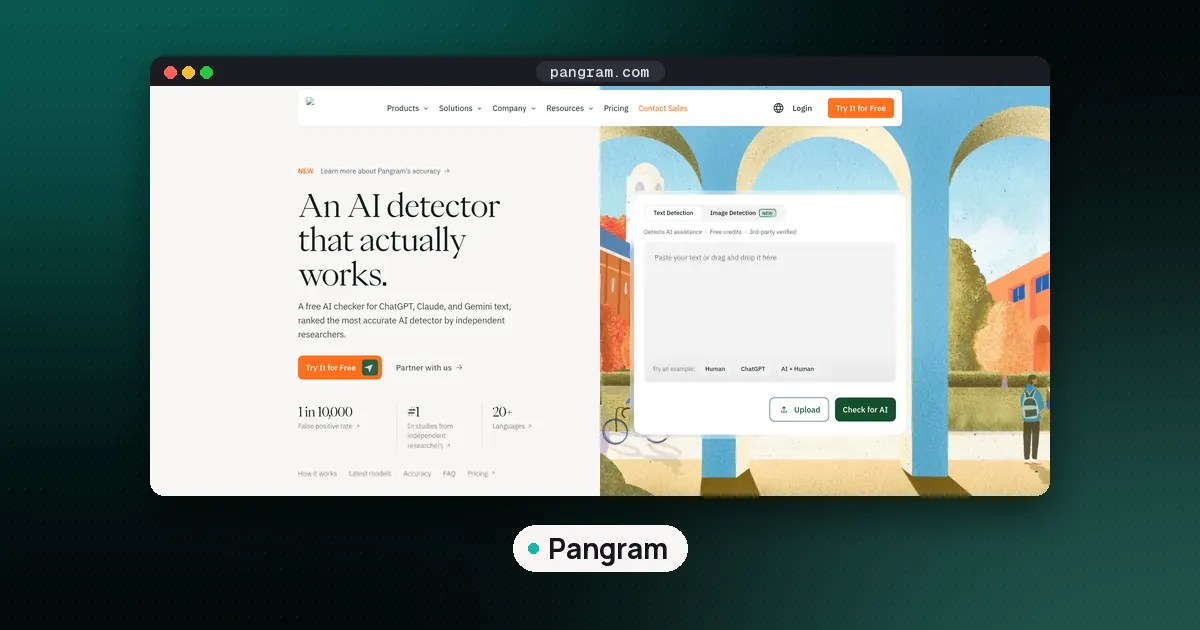
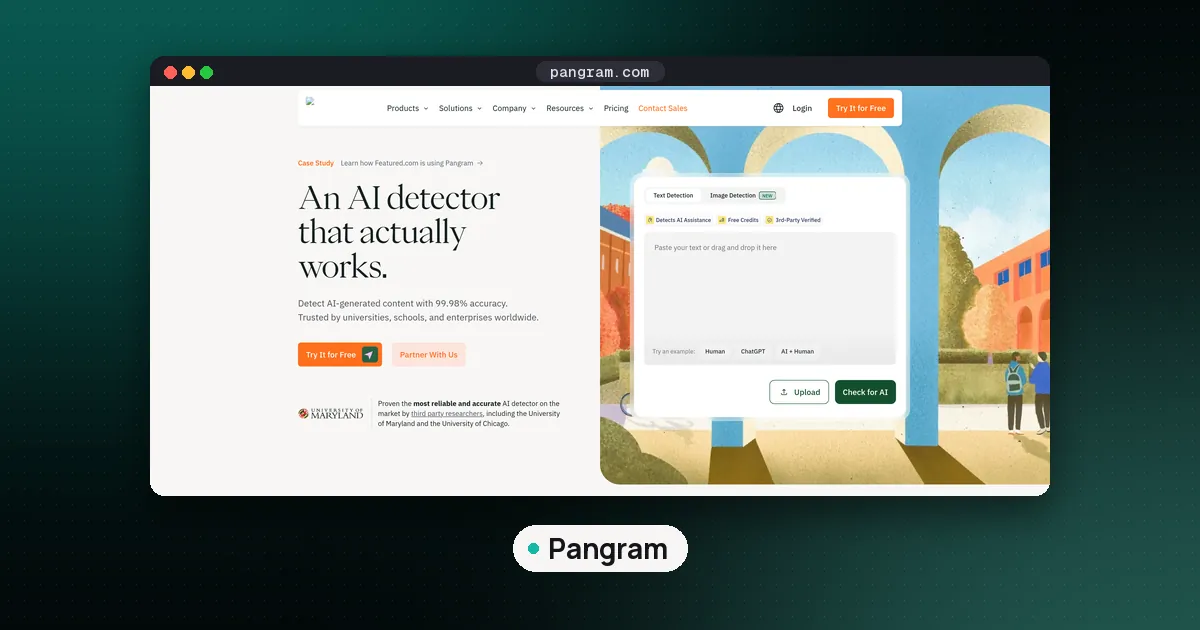
On Pangram's own site: Pangram also sells a freemium web product and API separate from Substack. The free plan commonly cited on Pangram's marketing is up to about 2,000 words per day without a card; paid Individual and Professional plans raise limits (Pangram; pricing). Use the standalone product when you need to check a Google Doc, PDF, LMS export, or text that is not a Substack post.
If Substack's button is unavailable (custom domain, email, older post), paste a copy into standalone Pangram or compare with GPTZero. For institutional coursework workflows, see GPTZero vs Turnitin and Turnitin.
When to use Substack's scan vs a standalone detector
| Situation | Prefer |
|---|---|
| Checking a recent Substack post, Note, comment, or reply inside Reader / iOS | Substack Scan for AI text |
| Reading on a custom domain or in email | Open the same item in Substack Reader, or paste into standalone Pangram |
| Checking a student essay, press draft, or SEO article offline | Standalone Pangram, GPTZero, or Originality.ai |
| High stakes dispute (job, grade, legal) | Two detectors + process evidence; never a single percentage |
| Image or video authenticity | Not Pangram-on-Substack; use watermark / deepfake tools instead |
For a broader detector comparison, start with Pangram vs GPTZero. For watermarked media from Google and partners, see SynthID Detector.
Practical tips for readers and writers
Readers: scan when authorship matters to you (tips, investment claims, "personal" essays, viral Notes) then read the highlighted claim yourself. A high AI assisted estimate on a clearly labeled AI roundup is less concerning than the same score on a piece marketed as lived experience with no process note.
Writers who use AI lightly: say so in How I make this, keep drafts, and run a self scan before publish so surprises happen privately. If you disable detection, expect some readers to treat that as its own signal.
Writers who draft by hand: a false AI assisted lean can still happen on short or formulaic prose. Use Report detection error, keep version history, and point readers to your process statement.
Editors and trust teams: Substack's private, on request design reduces drive by shaming, but it also means you cannot assume an unscanned post was checked. For pipelines outside Substack, automate with Pangram's API or another detector rather than relying on Reader clicks.
FAQ
How do I use Pangram on Substack for free?
Open an eligible post or Note in the Substack Reader (web) or iOS app, open the three dot menu, and choose Scan for AI text. Eligible in app scans do not require a separate Pangram paid plan. For files outside Substack, use Pangram.com's free daily allowance or another free detector tier.
Why don't I see Scan for AI text?
Common reasons: the post is older than July 21, 2026; you are on a custom domain or email view instead of the Substack Reader; the item is video or audio; the text is too short; or you are on Android before app support ships. Try the same URL from Subscriptions in the web Reader.
Can creators turn Pangram off for their posts?
Yes. Disable AI detection on the Publish page for a post, or scan a Note and choose Disable detection from the analysis menu. Readers then see "AI detection unavailable." Disabling is per item for posts published on or after July 26, 2026.
Does Pangram on Substack train on my newsletter?
Substack's help center says neither Substack nor Pangram uses publisher content to train generative AI models. Separately, you can enable Block AI training in publication Settings to signal external crawlers.
Is a high AI assisted score proof someone cheated?
No. It is an estimate that AI likely shaped the wording. It does not prove intent, plagiarism, or that no human edited the piece. Combine it with the writer's process statement, other detectors, and your own reading, especially before accusing anyone.
Should I use Pangram, GPTZero, or Turnitin instead?
For Substack reading, start with the built in scan. For personal offline checks, Pangram and GPTZero both offer freemium web tools. For graded coursework, institutions usually control Turnitin; student workarounds do not replace school policy. See Pangram vs GPTZero and GPTZero vs Turnitin.